Computer inventory software: how to choose
Once an office has more than twenty computers, an Excel spreadsheet can't keep up with reality, and you need computer inventory software. There's plenty to choose from: free tools you install on your own server, and cloud services. Here's what to look at and how to test a tool in one day, before you buy.
What the software should do
- Collect data on its own: processor, memory, drives, OS, software, serial numbers.
- Keep it current without walking around the office, including from laptops outside the office.
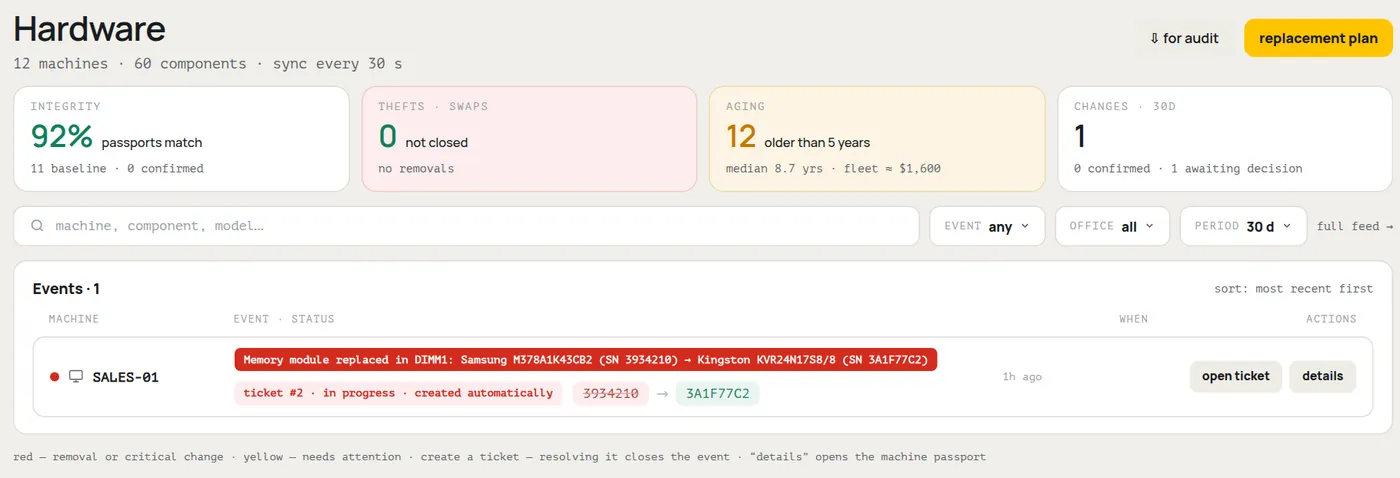
- Keep a change history: which part was replaced, with what, and when.
- Provide ready-made reports and export to CSV or Excel.
- Work on all your systems: Windows, macOS, Linux.
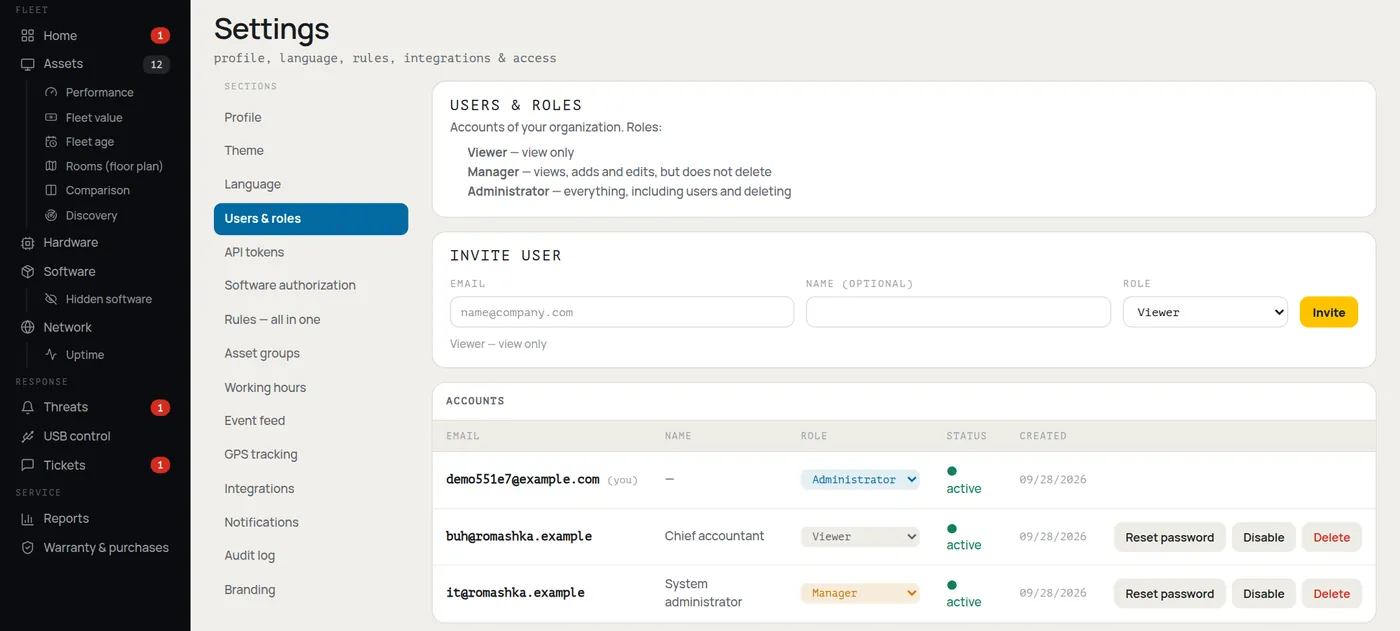
- Control access: the accountant views, the administrator makes changes.
Agent or network scanner
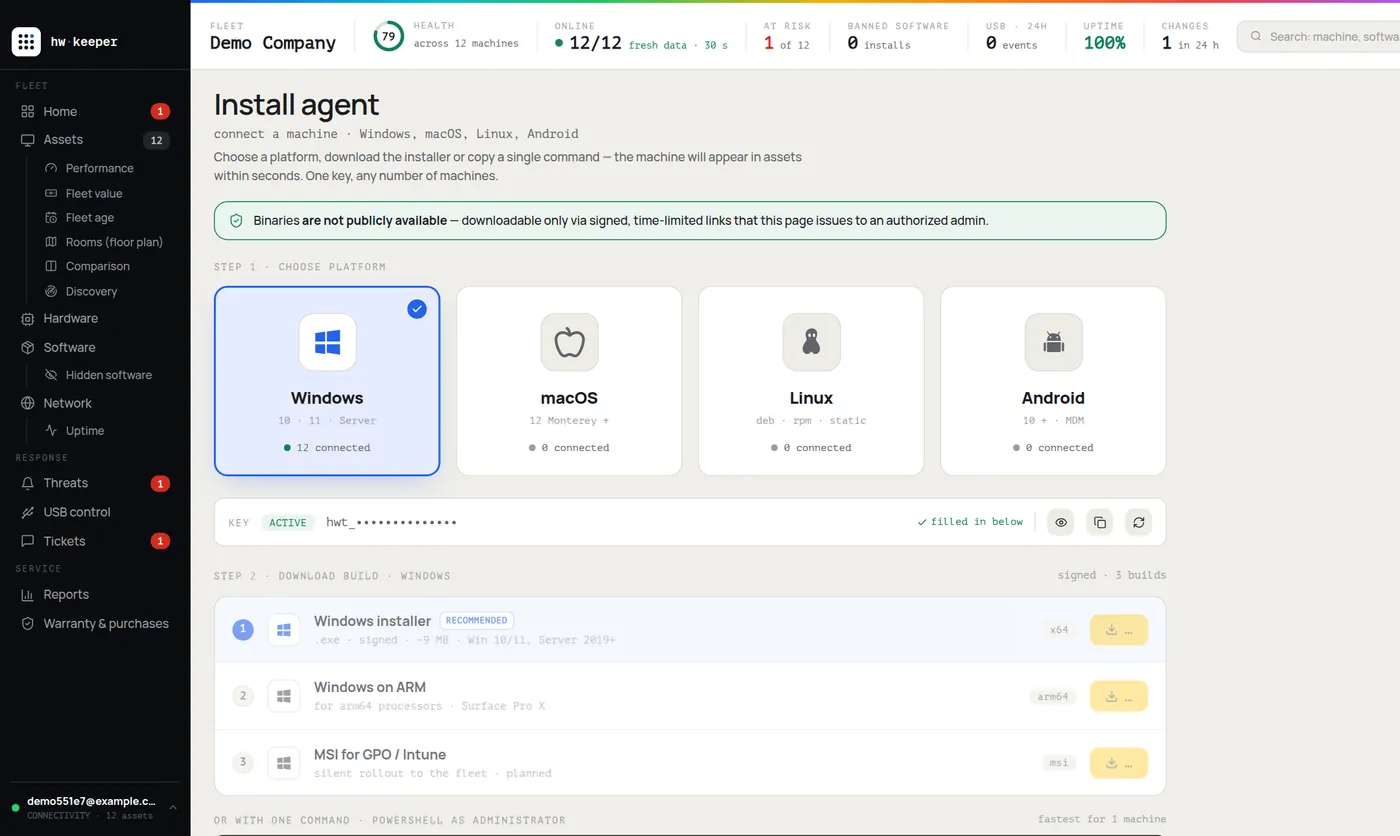
A scanner sweeps the network and sees whatever is switched on right now. An agent is a small service on each computer that sends data by itself. For an accurate inventory you need an agent: a scanner misses machines that are turned off and laptops outside the office. For a detailed comparison of the methods, see “Computer inventory for your organization”.
Self-hosted or cloud
Where to keep your inventory data
What it will cost
Besides the license price, count the server (if self-hosted), the administrator's time for installation and upkeep, and staff training. A free tool that takes a week of manual setup can end up costing more than a paid one. Also check how pricing works: per computer, per user or per server, and what it will come to when your fleet doubles.
Test it in one day
Install the software on 5–10 computers from different departments and answer these questions:
- How long did it take to get the first data?
- Does the configuration match what's actually installed?
- Does it show up if you swap a part or take a laptop home?
- Can you get the report you need without manual tweaking?
- Can you export all your data if you decide to leave?
A one-day trial run
Check HWKeeper against this list
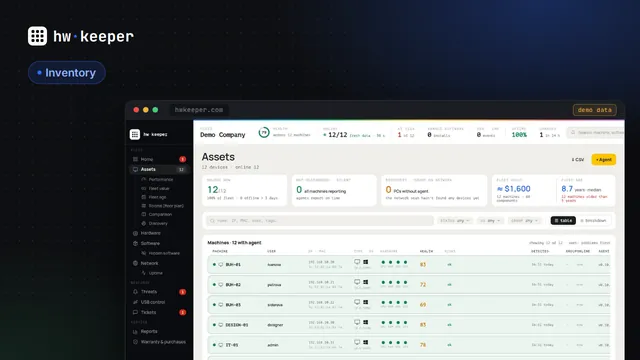
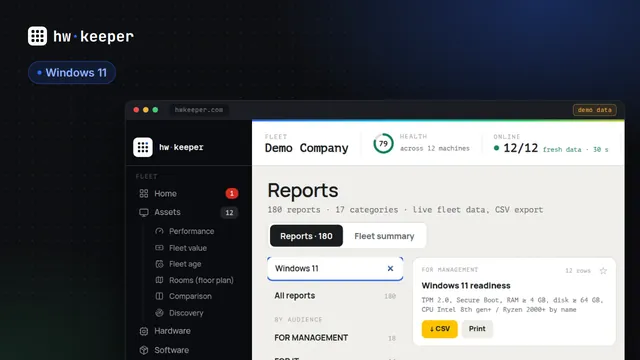
HWKeeper is a cloud inventory service. Agents are available for Windows, macOS, Linux and Android. When a part is replaced or goes missing, it's recorded in the history and a ticket is created right away. There are 180 ready-made reports with CSV export, and access is split into three roles: Viewer, Manager and Administrator. Free for up to 50 computers.
Start for free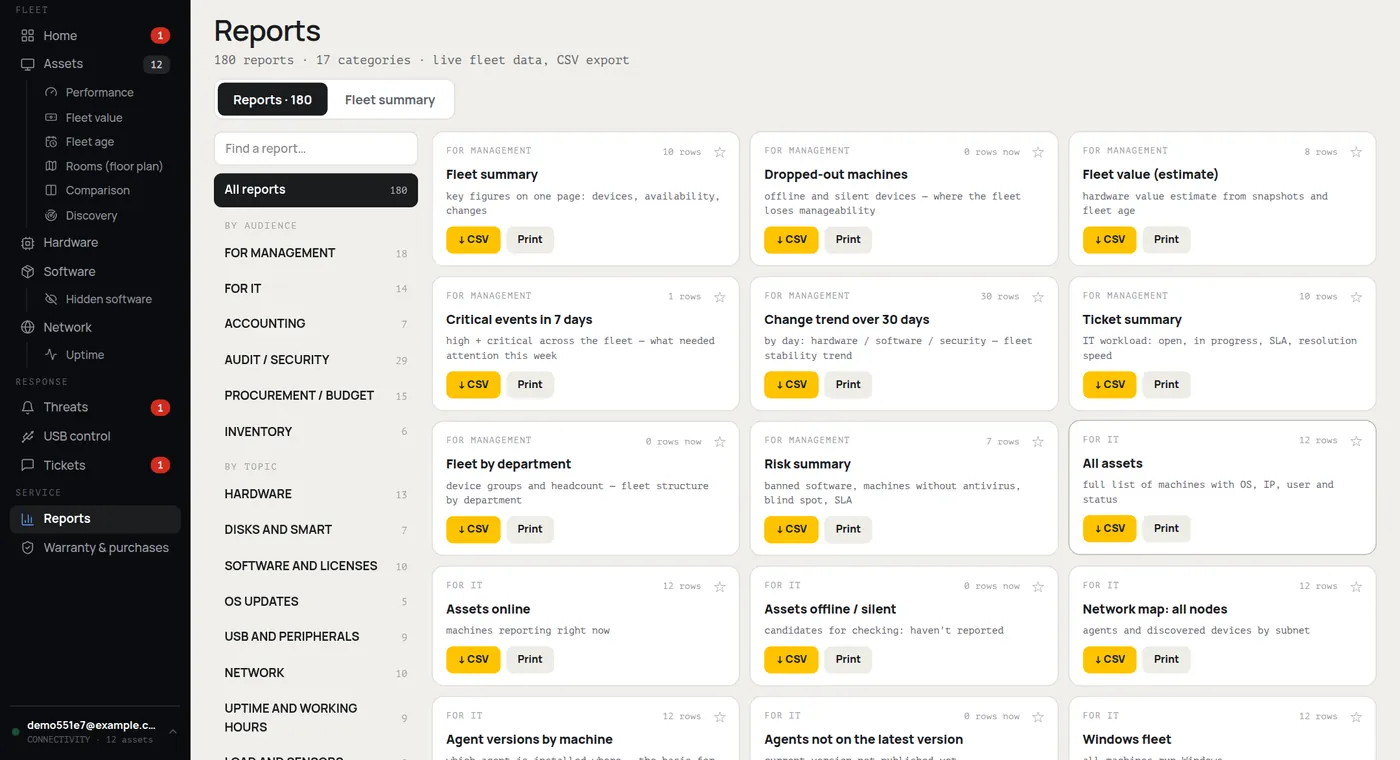
Written by the HWKeeper team with the help of AI language tools; a person checked the facts. Screenshots: real dashboard, demo data.
Read next